

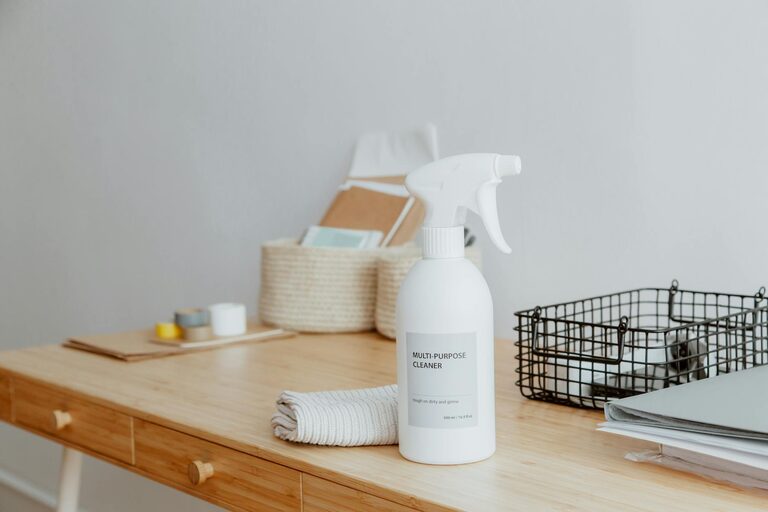
Creating a clutter-free workspace at home can transform the way you work, making it easier to focus and enjoy your tasks. Whether you have a dedicated room or a small corner for your home office, a well-organised space can improve your productivity and overall wellbeing. Here are some easy tips to help you organise a clutter-free and pleasant workspace at home.
Why a Clutter-Free Workspace Matters
A tidy workspace doesn’t just look good; it helps clear your mind and keep distractions away. When everything has its place, you spend less time searching for items and more time getting work done. Plus, a clean environment can reduce stress and make work more enjoyable.
Assess Your Current Workspace
Before you start organising, take a good look at your current setup.
– What items do you use daily?
– What items are just taking up space?
– How is your furniture arranged?
– Are there any distractions nearby?
Understanding your needs and challenges will help you reorganise effectively.
Declutter Regularly
Keeping clutter at bay requires regular attention.
- **Sort through items**: Categorise your things into essentials, occasionally used, and unnecessary.
- **Remove or store**: Donate, recycle, or throw away items you no longer need. Place rarely used items in storage containers or a different room.
- **Limit paperwork**: Go digital where possible. Use apps or cloud storage for documents rather than piles of paper.
Regularly reviewing your space helps prevent clutter from building up again.
Make Use of Effective Storage Solutions
Proper storage creates order and makes things easy to find.
Use Desk Organisers
Desk organisers such as trays, pen holders, and small drawers can keep important items within reach but neatly arranged.
Install Shelves
Wall shelves free up desk space and can hold books, files, or decorative elements.
Use Filing Systems
Labelled files or boxes help organise papers like bills, work documents or receipts.
Consider Multi-Purpose Furniture
For small spaces, desks with built-in storage or cupboards can be very helpful.
Define Work Zones
If space allows, create specific zones for different tasks. For example:
– A computer station
– A place for reading or writing by hand
– Storage area for supplies
Having clear zones helps your brain to switch focus and keeps related items together.
Manage Cables and Technology
Cables can quickly add to clutter and create hazards.
– Use cable ties or clips to bundle wires neatly.
– Label cords to easily identify them.
– Keep chargers and peripherals organised in a drawer or box.
Investing in wireless devices or a charging station can also reduce cable mess.
Keep Only What You Use Daily on Your Desk
Limit desktop items to what you really use every day.
– Your computer or laptop
– A notepad and pen
– A lamp or personal item for motivation
Extra items can be stored nearby but off the main desk to maintain a clean look.
Personalise with Care
A few personal touches make your workspace inviting, but avoid overcrowding.
– Choose a favourite photo or artwork.
– Add a small plant for a natural feel.
– Use inspiring but minimal decorations.
Balance between personal items and functional tools is key.
Set a Daily Tidying Routine
Spend 5–10 minutes at the end of each day to:
– Clear your desk
– Put away paperwork
– Organise supplies
This habit helps maintain a clutter-free environment consistently.
Optimise Lighting and Airflow
A well-lit and comfortable workspace can improve your mood and focus.
– Use natural light where possible
– Add adjustable desk lamps for focused lighting
– Keep your workspace ventilated to stay fresh
Good lighting and airflow complement your organised space for better working conditions.
Conclusion
Organising a clutter-free workspace at home doesn’t require expensive gadgets or a complete overhaul. By assessing your needs, decluttering regularly, using smart storage solutions, and maintaining daily tidying habits, you can create a pleasant, functional environment that helps you work efficiently. Remember, a tidy space reflects a clear mind — and that’s the best foundation for success.